Every recipe you love, ready to cook.
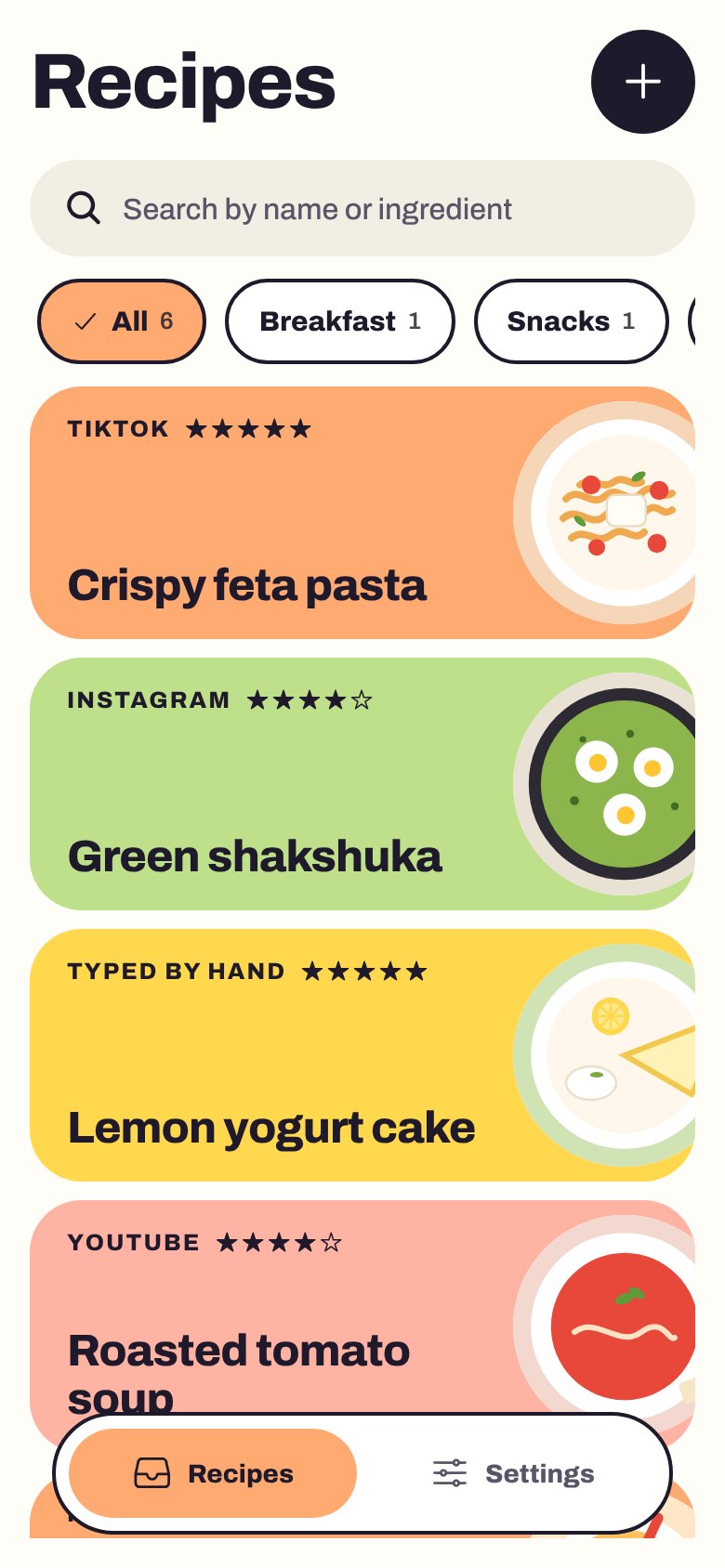
Save recipes from a link or a cooking video on Instagram, TikTok, YouTube or Facebook. Nam Nam Na! writes down the ingredients and steps, keeps them in one place, and walks you through the cooking one big step at a time.
Android: coming soon
- TikTok
- YouTube
- any recipe website
Save
Share a reel. Get the recipe.
Share a video straight from Instagram, TikTok, YouTube or Facebook, or paste a link from any recipe site. Nam Nam Na! reads the caption, watches the video if it has to, and writes down the ingredients and the steps for you.
When it can’t read something, it says so and lets you hand it the caption or a screenshot instead.
Gather
The whole dish on one page.
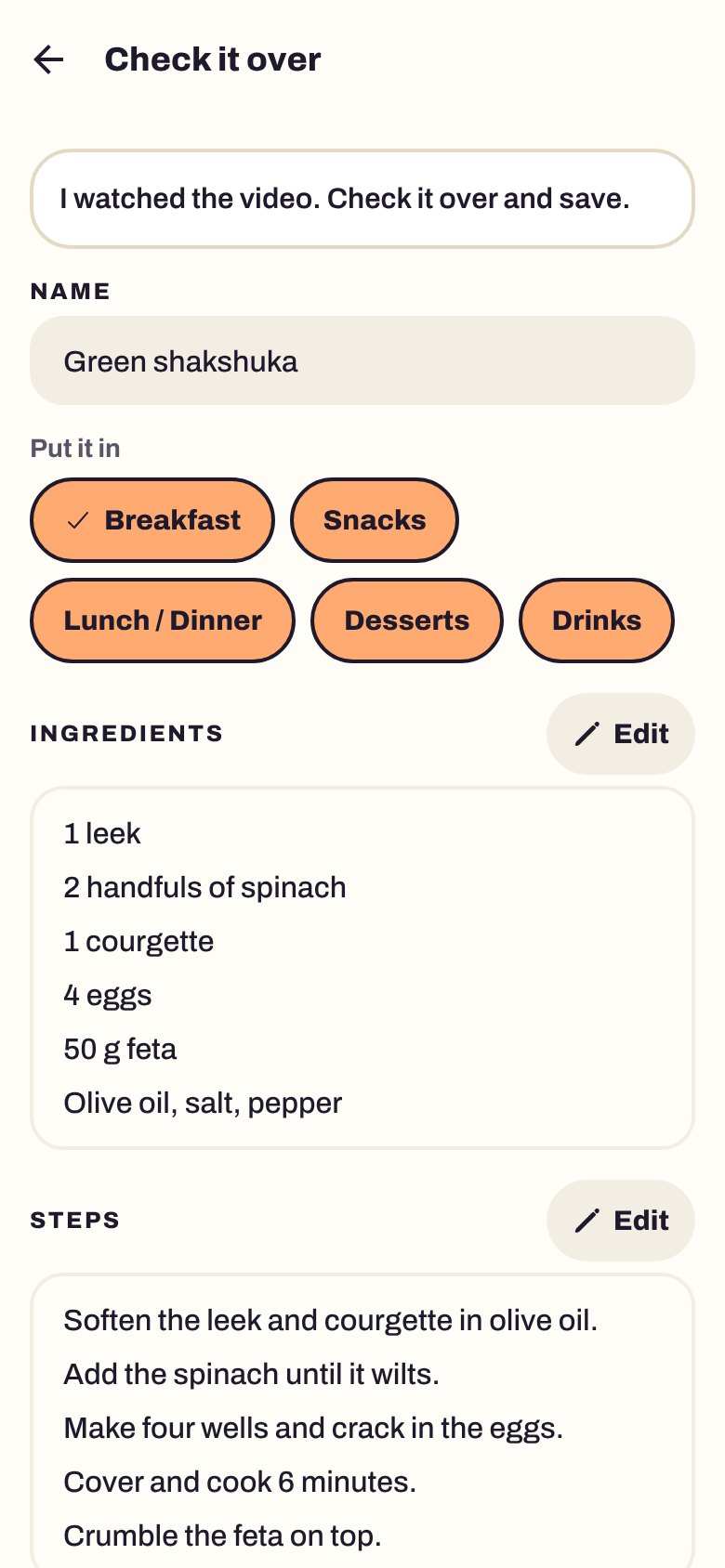
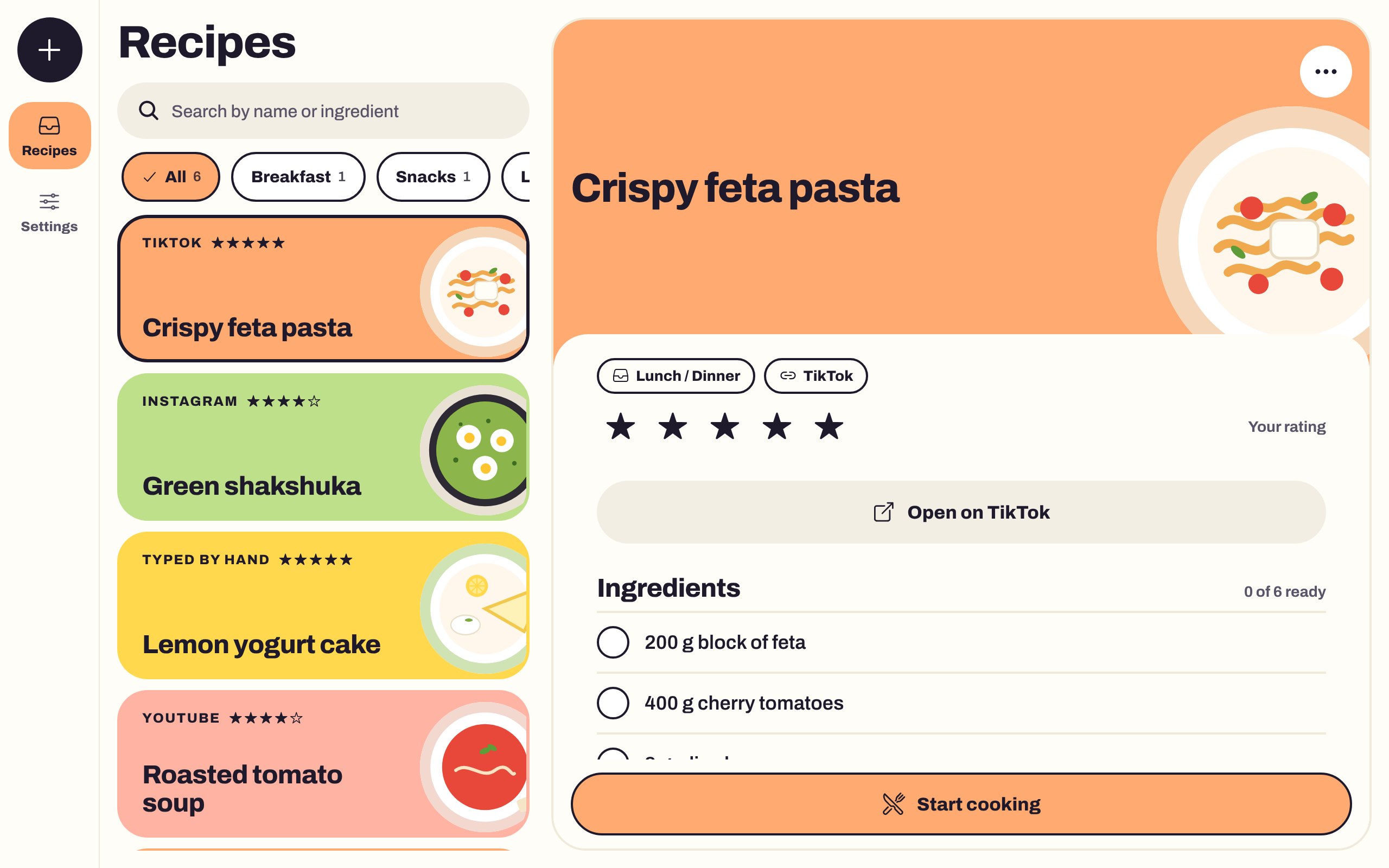
Ingredients on top, steps below. Tick off what you have as you gather it, rate what you cooked, and find any recipe again by its name or by an ingredient.
Sorted into breakfast, snacks, lunch and dinner, desserts and drinks.
Cook
One big step at a time.
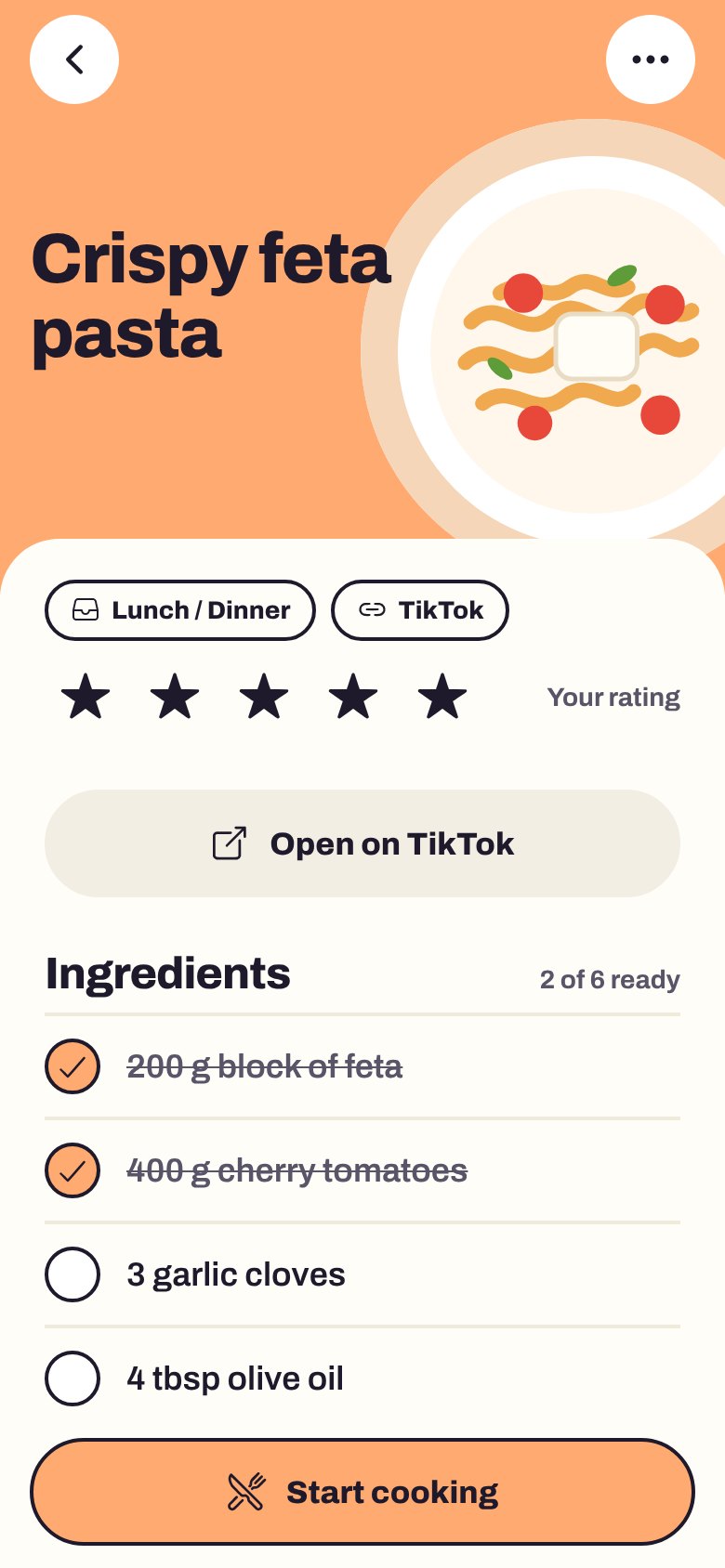
Cook mode shows a single step in large type you can read from across the kitchen, with what’s coming next. No more scrolling with flour on your fingers.
Everywhere
On your phone and on your computer.
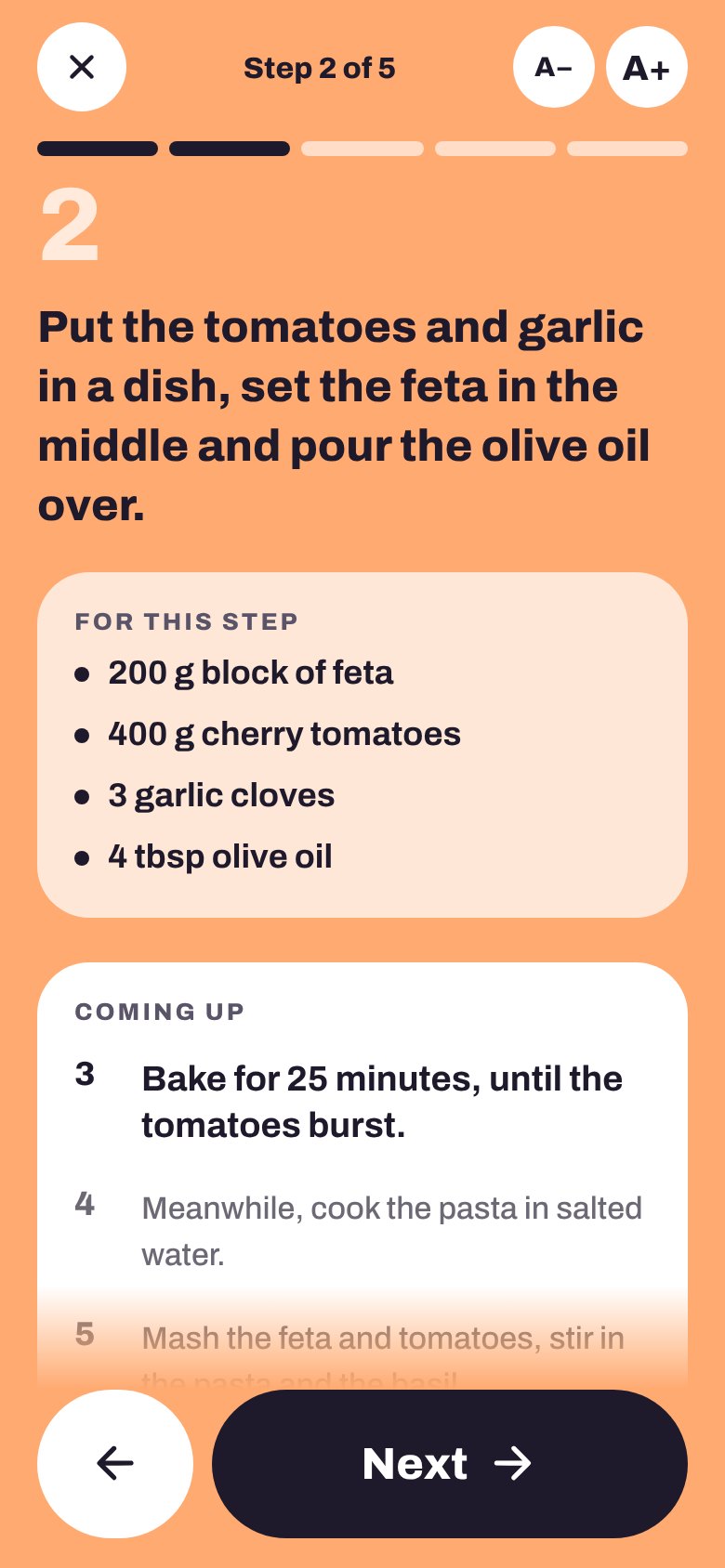
Sign in with the same account on the iPhone app and on the web, and your recipes follow you. Browse them on a big screen, cook from your phone.
Used Nam Nam Na! before?
Sign in the same way as last time, with Google, Apple or Facebook, and your old recipes come back, sorted by category.
Open your recipe box
Sign in to use Nam Nam Na! on the web. It stays in sync with the app.
By continuing you agree to the privacy policy.